


Halyk Info

Loans
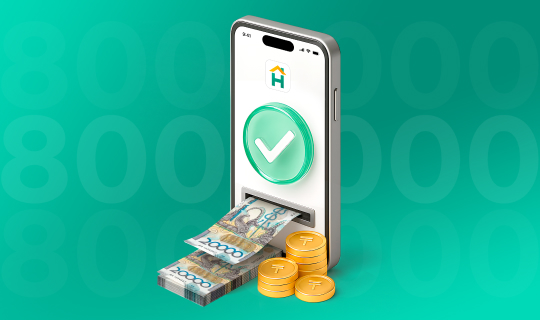
Кредит без залога
До 8 000 000 ₸ без залога!
Cards

Бесплатная доставка
3 простых шага для получения карты в приложении Halyk. Закажите карту онлайн и пользуйтесь всеми преимуществами
Deposits

Депозиты онлайн
Откройте онлайн надежный депозит с высокой ставкой
Premium
Debit cards
Premium
Archival products
Transfers
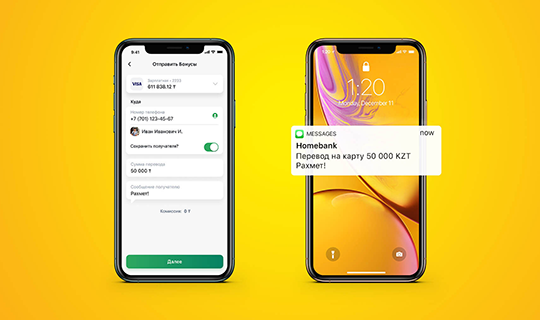
На номер телефона
Переводы на мобильный номер клиенту любого банка РК в приложении Halyk


