


Increase conversion rates with a wide range of payment methods
We automatically generate and send fiscal receipts to the Operator of Fiscal Data, complying with legislation quickly and effortlessly

Full control and analytics for your business in your personal profile

Payments and customer data are protected according to the international standards
Tariffs
You only pay for completed payments – no hidden fees, everything is transparent and reliable
Make shopping more available for your customers. More sales, more trust.
Make payments and transfers to a card quickly and conveniently
Convenient payment methods for your customers


Send a payment link to the customer from your personal profile.
Activate Halyk QR and accept bonus payments from customers as real money. Convenient for customers, beneficial for you.
Your customer pays in installments, while you receive the full amount immediately. Convenient, fast, and beneficial.
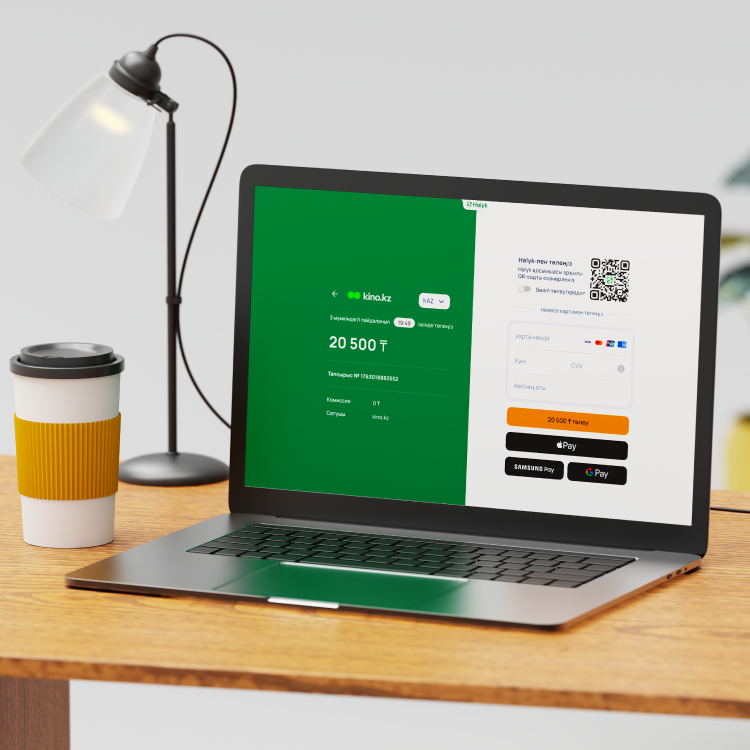
Reserve payment until the order is verified. Less risks – more confidence.
Save customer cards for one-click payments. Quicker process – higher loyalty.
Automatic deductions without manual actions. Perfect for subscriptions and regular payments.
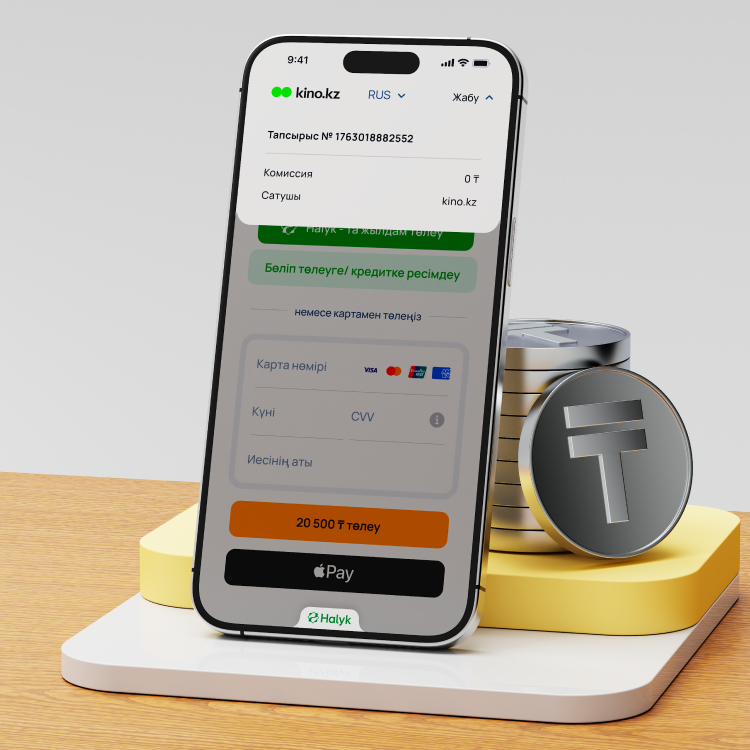
Instant and secure payouts and transfers to employees, partners, or customers.
Automatically divide incoming payments between partners. Convenient for marketplaces and services with fees.
How to activate the ePay system?
Open an account in Halyk
Submit a request on the website
Receive a terminal
Request to activate the ePay system
FAQ
Activating is quick and easy. Ready-made payment pages and widgets are available, as well as APIs and SDKs for individual integration.
All technical documentation, instructions, and examples are available in the “Documentation” section.
You can submit a request in this section of the website or email us, email address: ecommerce@halykbank.kz.
You can check the status of your request and other questions by email: ecommerce@halykbank.kz.