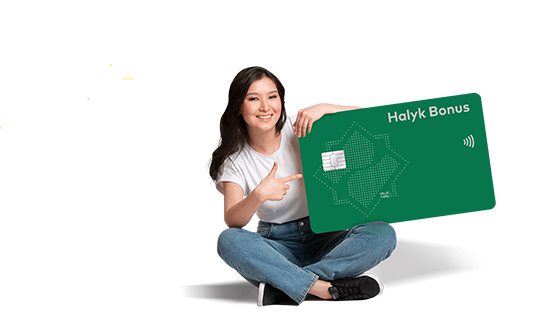



Special benefit card
3 easy steps to get a card for benefits and social allowances in the Homebank app.
Order a card online without visiting the bank branch
Order a card online without visiting the bank branch
Card advantages

онлайн выпуск карты

бесплатная доставка

защита от требований третьих лиц
Earn more
- 1% - maximum bonus for all purchases*
- 1% - guaranteed bonus for payments in Homebank*
- 25% – maximum bonus in the network of more than 17,000 points of Halyk Club partners
- 10% – maximum bonus for special programs and promotions
* excluding payments for foreign transactions, including payments on foreign websites and in the network of Halyk Club partners with a permanent bonus
Get maximum comfort
- Card currency - KZT
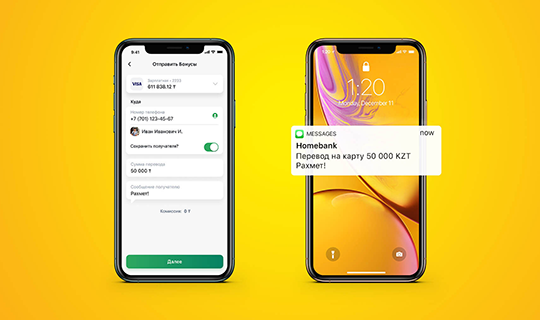
- Transfers by mobile phone number to any bank clients
- Cash withdrawal by code without a card at Halyk Bank ATMs
- Payment by smartphone without a card with Homebank Pay, Apple Pay, Samsung Pay and QR code
Use for free
- 0 tenge - card service
- 0 tenge - purchases by card and payments in the Homebank app
Online access to bank products and services in the Homebank application
- Online deposit opening and management 24/7
- Online installment plan for 24 months in the Bank partner stores
- Account statements
Get a card without leaving home
Become a 100% online customer and order a card with free delivery in Homebank
Online card order
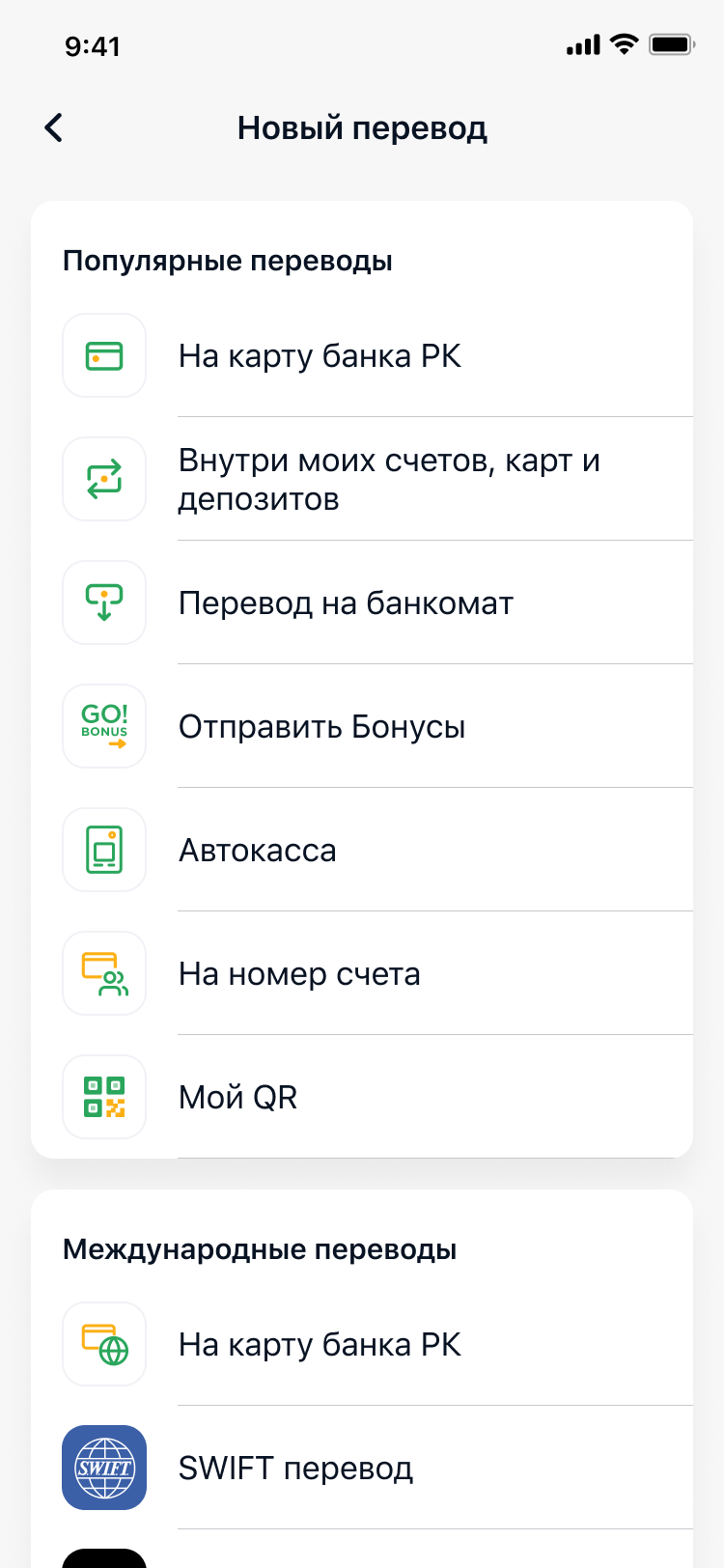
- Tap "Open card" in the "Menu" section
- Select Special benefit card and delivery method
- Fill out the application and tap "Open card"
- Enter the code from SMS to confirm the card opening
Card delivery
- Your card will be ready for delivery on the next business day.
- Free delivery is made on weekdays (except Saturday and Sunday), expect a courier call.
Card delivery is only carried out within the cities specified in the Homebank application when placing an order to issue a card.
Additionally, you will receive SMS notification to your mobile number of the card delivery status.
Become 100% online customer and order a card with free delivery
Open a card in Homebank app


Become a customer through Homebank