




- 5% discount applies to the entire Turan water product line;
- The offer is valid only for customers in Almaty;
- The discount is applied when paying for the order via the OnlineDuken platform;
- The promo is valid until 31 December, 2026.
- 0.5% of the payment amount is awarded as bonuses with each payment

- 5% of the payment amount is awarded as bonuses when paying to Amanat LLP
- Available for IE only
- The promo is valid until 30 September, 2026.
The minimum purchase amount – KZT 4,000 - Bonus program – up to 50% of the order amount when paying to Aksai-Nan LLP.
Per month – up to 50,000 bonuses. - Bonus awarding– when placing and paying for an order via OnlineDuken platform.

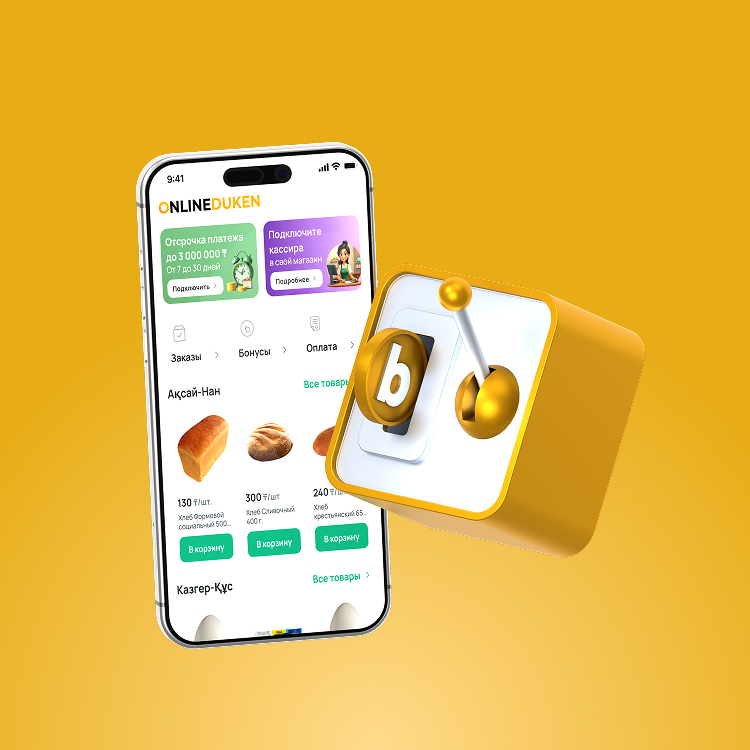
Bonus terms and conditions:
- 1 bonus = KZT 1.
- Maximum bonus amount per payment – 5,000.
- During a calendar month, you can accumulate up to 50,000 bonuses.
- Accumulated bonuses can cover up to 10% of a single payment amount.
- Bonuses are awarded only when paying from Halyk Bank account via the OnlineDuken platform.
- The Bank reserves the right to unilaterally change the bonus program terms and conditions.

Bonus exemptions:
- No bonuses shall be awarded for payments made using bonuses.
- Bonuses are not awarded if the order is paid using a deferred payment method.
- Bonuses cannot be used to pay for tobacco products.
- All accumulated bonuses expire if they were not used to pay for an order within 30 calendar days.
- With each new order payment using bonuses, the validity period of all bonuses is extended by another 30 calendar days.
- Bonuses written off from the bonus account due to expiration are non-refundable.
F&Q
The fee is calculated on the order amount and the number of days of deferral. For example, if you have placed an order for KZT 50,000 and you want to pay by deferred payment for 7 days, the fee will be KZT 360. During the "Payment deferment for KZT 1" promotion, the commission amount is KZT 1.
To close a line of credit early, you need to complete several steps.
Step 1: Make sure your checking account has sufficient funds to cover the current line of credit payments.
Step 2: Visit your bank's Small Business Lending Center.
Step 3: Submit an application for early closure of the line of credit.
Yes, a penalty is charged for each day of delay. For example, if the payment amount is 50,000 tenge and you are one day late, the penalty will be 90 tenge.
Currently, only individual entrepreneurs can open a line of credit.
Basic bonus - 0,5% of the payment amount, awarded on all payments.
To pay via QR code, follow these steps:
- Log in to the OnlineBank or OnlineDuken app.
- Scan the QR code on the invoice.
- Verify the details and amount. Then select the payment method and click "Pay."
- You can also open a photo of the QR code from your phone's gallery using a QR scanner
Only the individual entrepreneur whose IIN the invoice was issued to can pay for the order.
When transferring funds between your accounts in different banks, it is recommended for individual entrepreneurs to indicate KBe = 19 and KNP = 343
Go to the "More" section or click "Learn More" on the Cashier banner.
Click the "Add Cashier" button.
Fill in the cashier's details.
Sign the Application to Add a Cashier.
A message will be sent to the cashier informing them of the access granted.
Go to the "More" section or click "Learn More" on the Cashier banner.
Select the cashier you want to remove.
Click the "Remove" button.
Sign the cashier removal request.


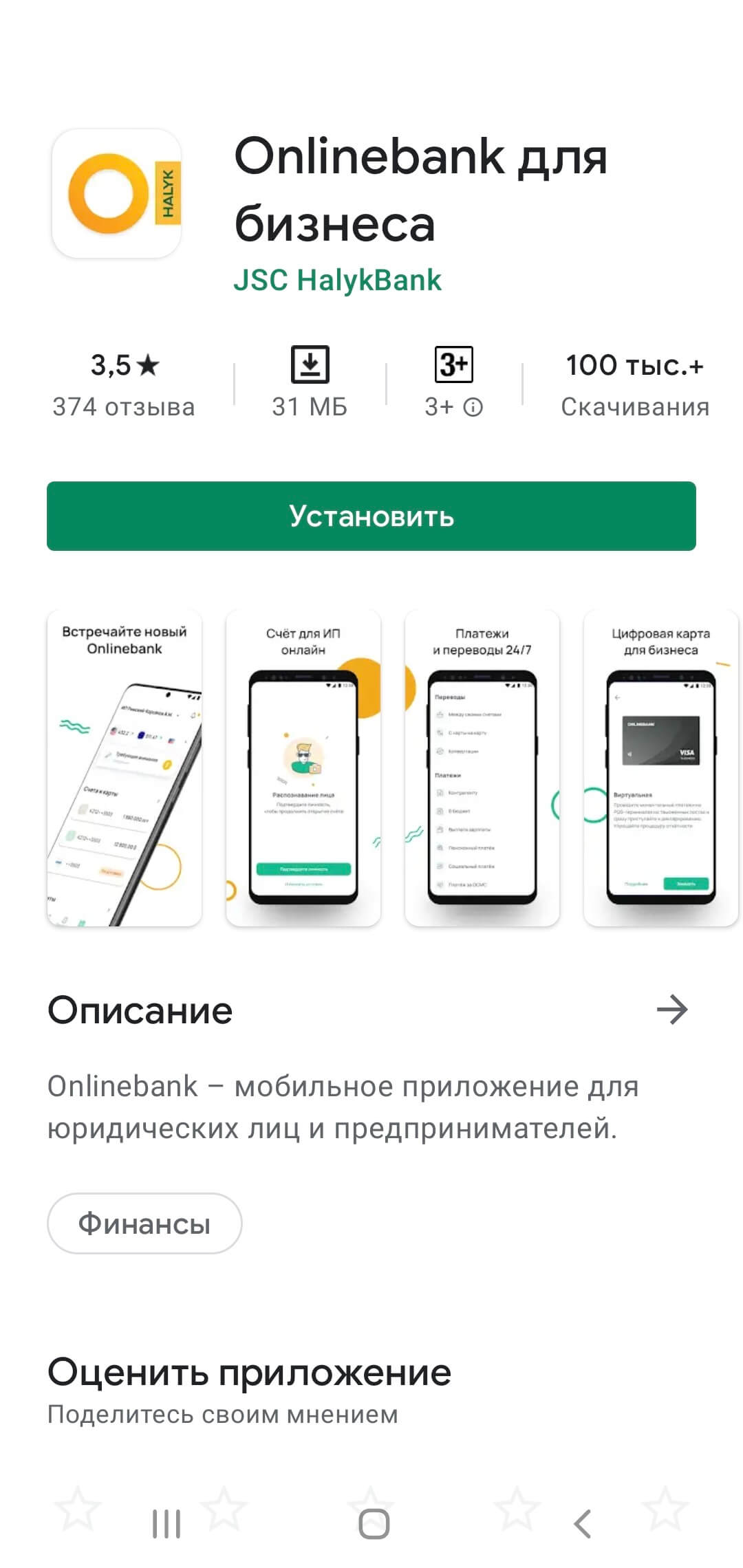
OnlineDuken доступен в приложении Onlinebank